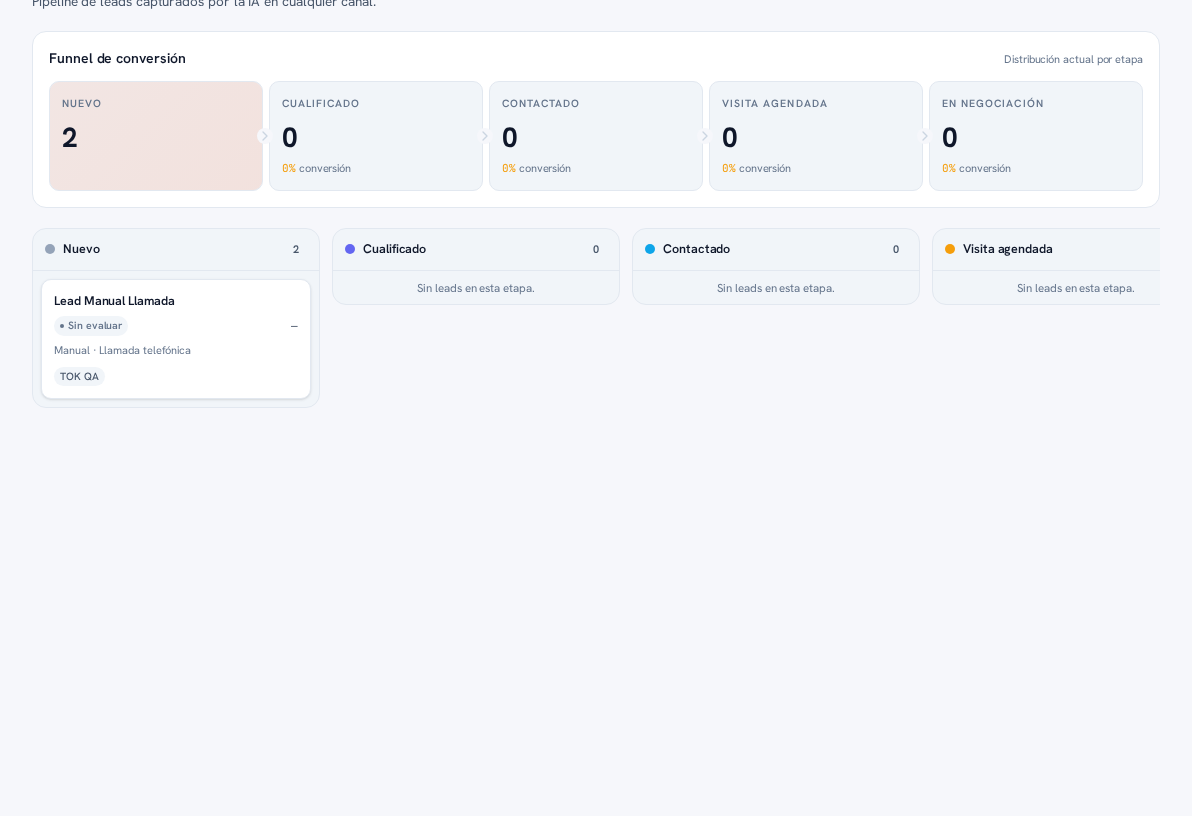
- Open the lead’s record (click its board card or its row in the list view).
- Under “Assigned to”, choose the team member (or “Unassigned” to free it up). It saves instantly.
- The owner’s name shows up as a chip on the board card and as a column in the list view.
- Each salesperson can tap “Assigned to me” (available on the board and in the list) to see only their own portfolio.
Result: every lead has a visible owner, and each salesperson finds theirs in one click.