
Skip to content

Launch

Procedure: link Telegram

Requirements: two-factor verification on (section 2).

  1. On the “Channel-linked access” panel, Telegram row, tap “Link”.
  2. Unlike WhatsApp, you don’t declare any data of your own — Telegram doesn’t need you to identify your account beforehand.
  3. Tap “Continue”.

Result: just like WhatsApp, it moves to waiting for you to send your code over Telegram, to the business’s bot, within 10 minutes.
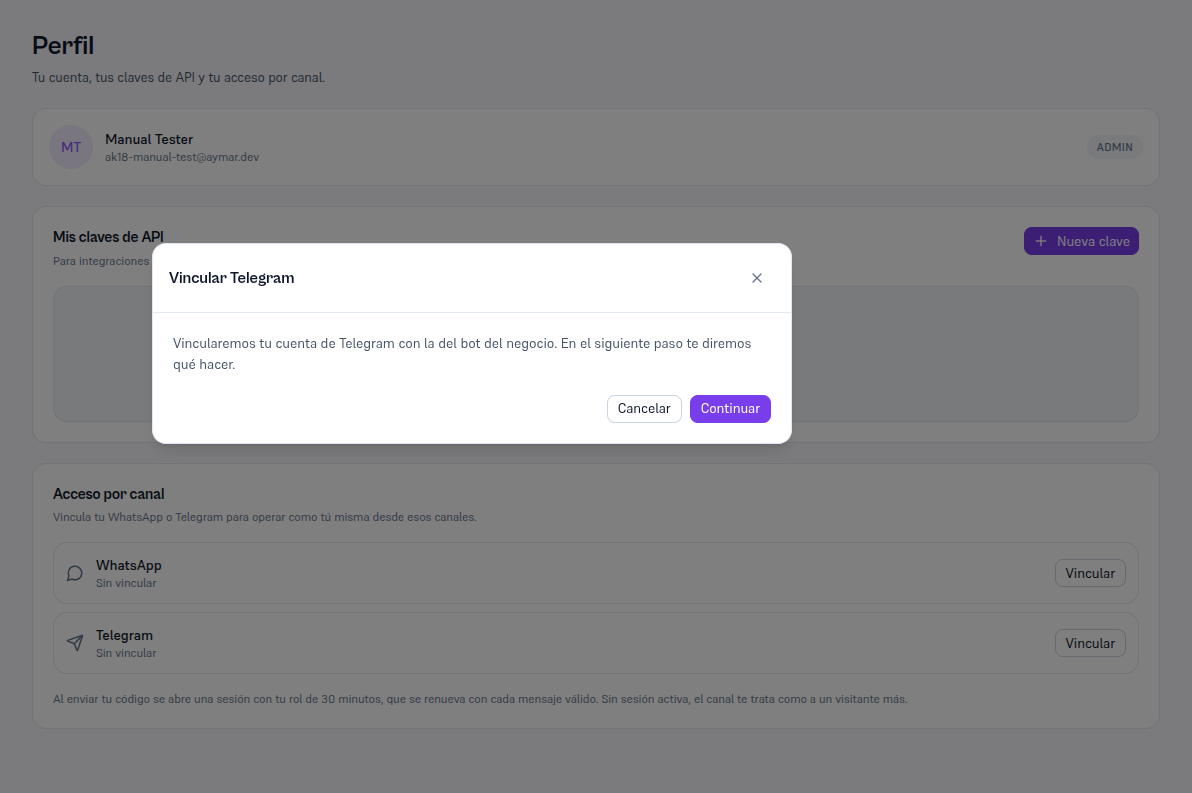
Profile page with the Link Telegram modal with the text "We'll link your Telegram account with the business's bot. We'll tell you what to do in the next step" and the Cancel and Continue buttons