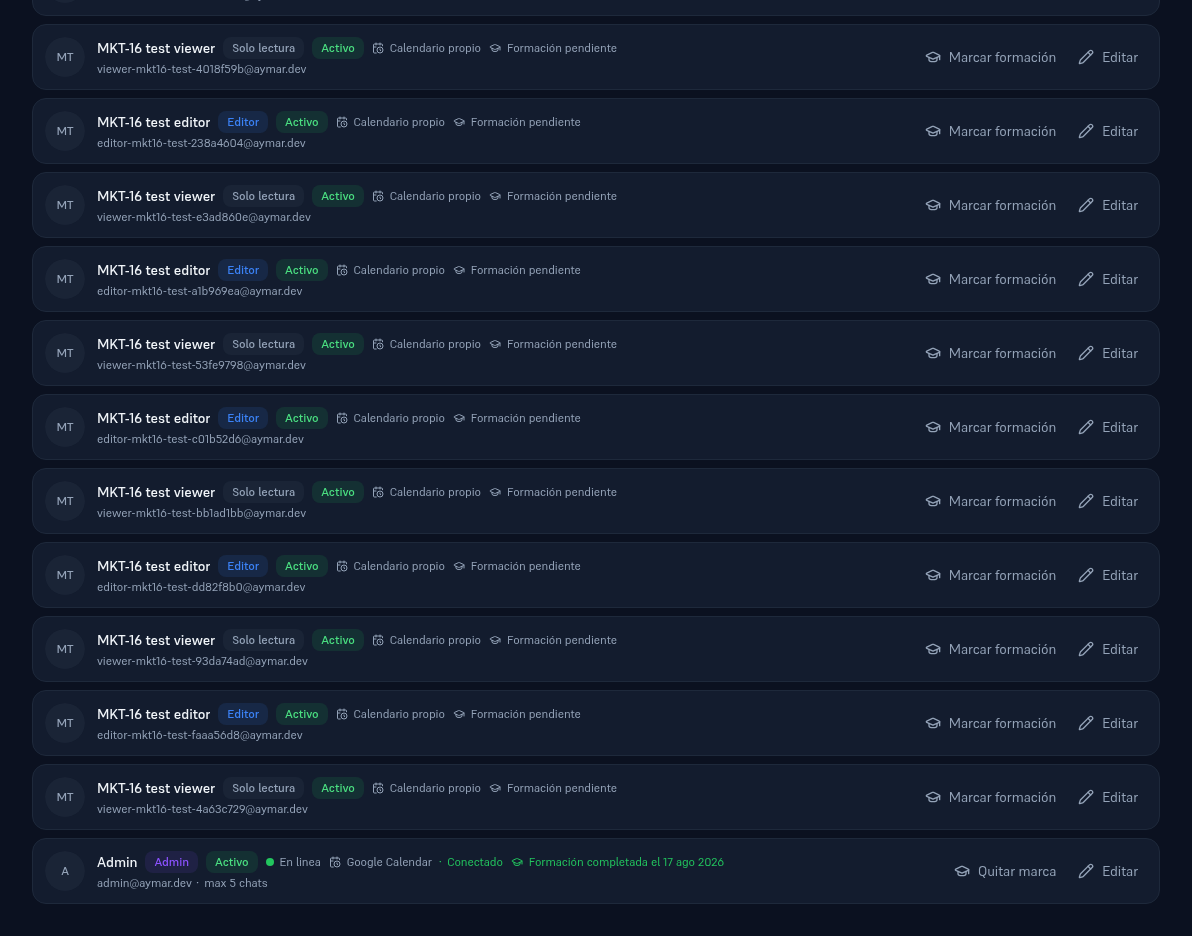
Once you’ve read this manual, leave a record of it: on Platform → Team, everyone on the team has a “Training pending” or “Training completed on {date}” indicator, with a button next to it to mark it (or unmark it, if you made a mistake). The user themselves can mark it after reading this manual, or an Admin can on their behalf. The record also saves who marked it — it’s the evidence Art. 4 of the AI Act requires in case of an inspection.
On Admin (your provider’s team), each tenant’s drawer shows an aggregate summary — “X of Y trained” — as visible evidence for your provider’s team too.