Requirements: Admin role; the restricted key from section 3.
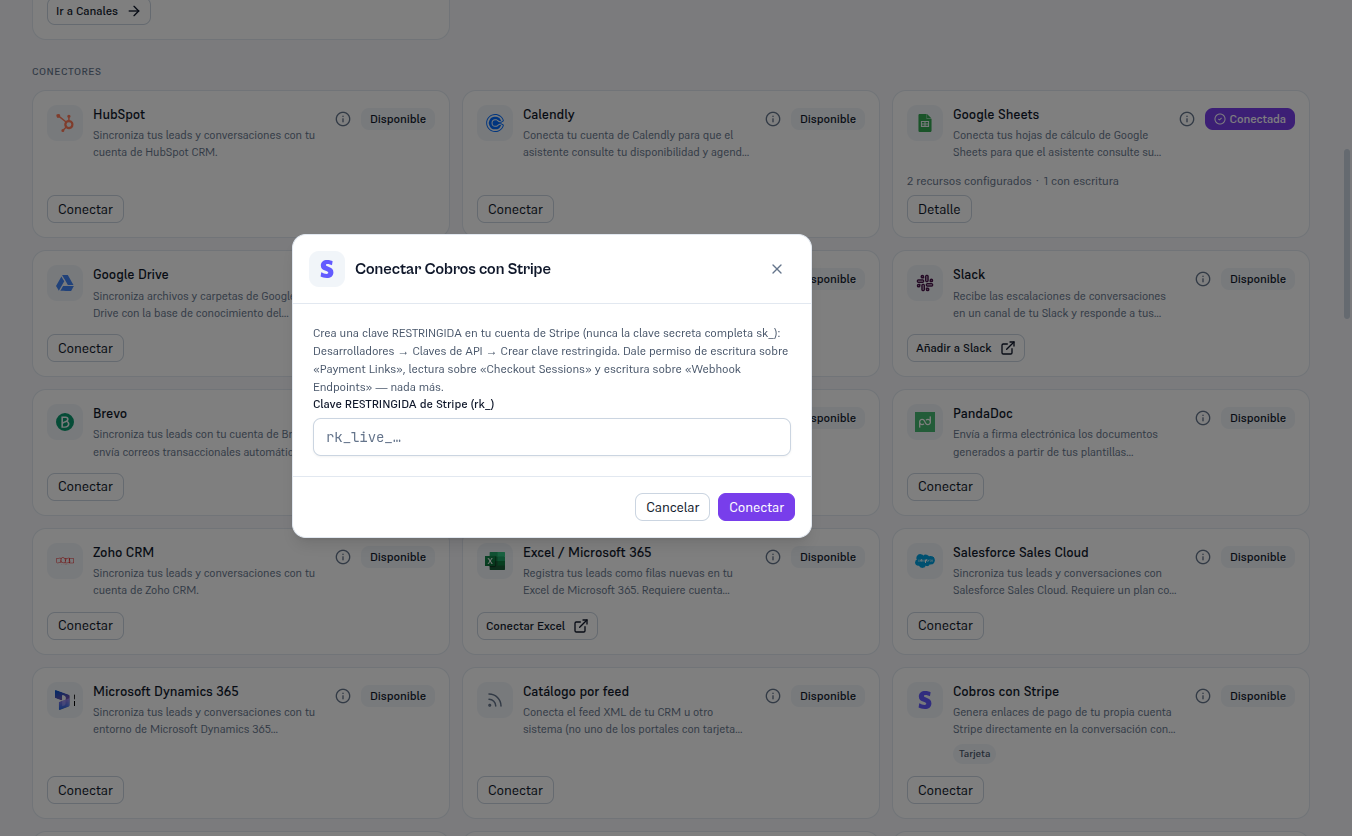
- In Integrations, find the Payments with Stripe card (in “Available” state) and click Connect.
- The “Connect Payments with Stripe” modal repeats the help from section 3, so you have it at hand without going back to Stripe.
- Paste the restricted key (
rk_…) into the field. - Click Connect.
Result: the Platform verifies the key against Stripe for real before saving anything. If verification fails, you’re told the specific error (section 8) and no credential is saved. If it succeeds, the card switches to Connected and the Card method is activated by default (section 5).