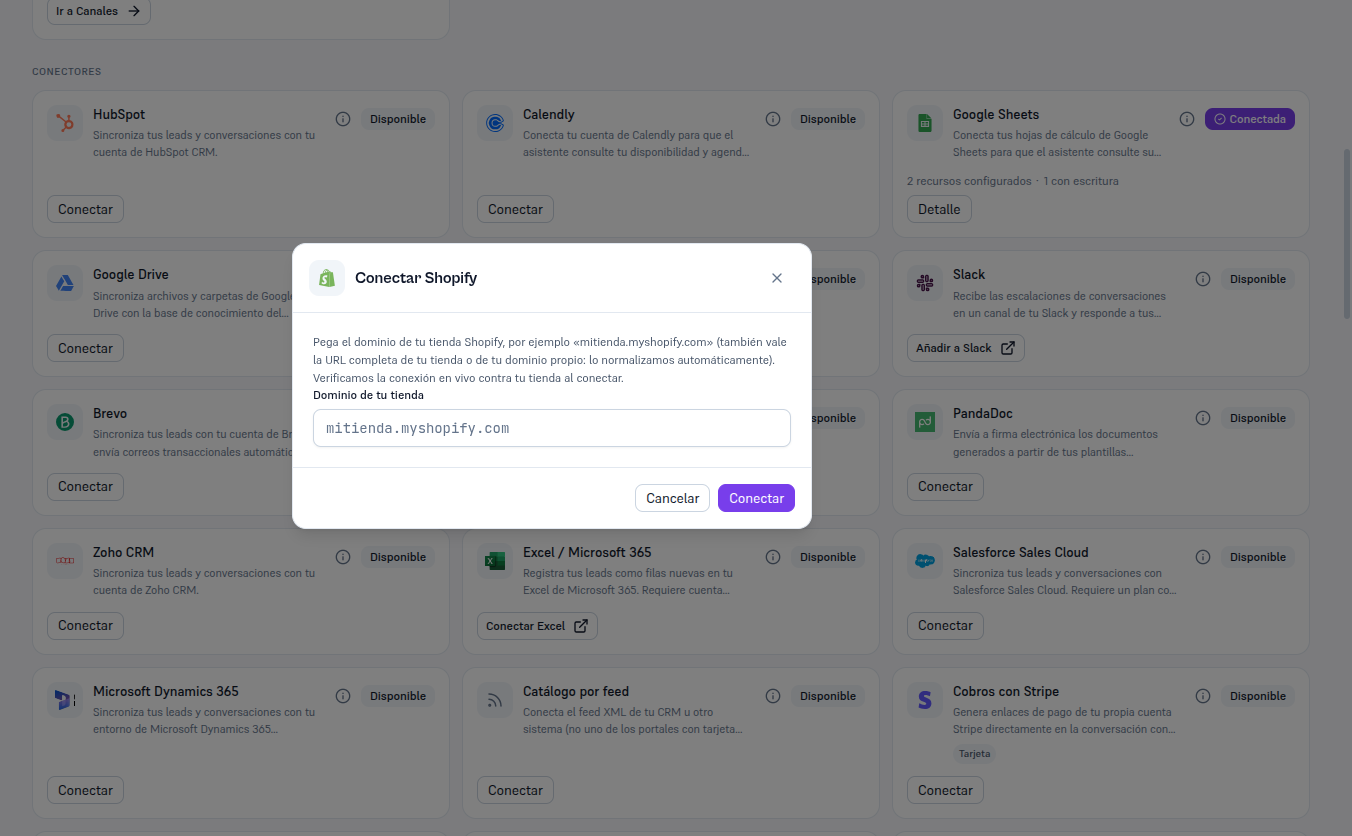
Requirements: Admin role; your store’s domain from section 3.
- In Integrations, find the Shopify card (in “Available” state) and click Connect.
- Paste your store’s domain into the field — either
mitienda.myshopify.comor the full URL, or your own domain if you have it configured in Shopify, works: the Platform normalizes it automatically. - Click Connect.
Result: the Platform verifies the connection live against your store before saving anything — it doesn’t accept a domain with a valid format and nothing more. If verification fails, you’re told the specific error (section 8) and no configuration is saved. If it succeeds, the card switches to Connected and shows the connected domain.