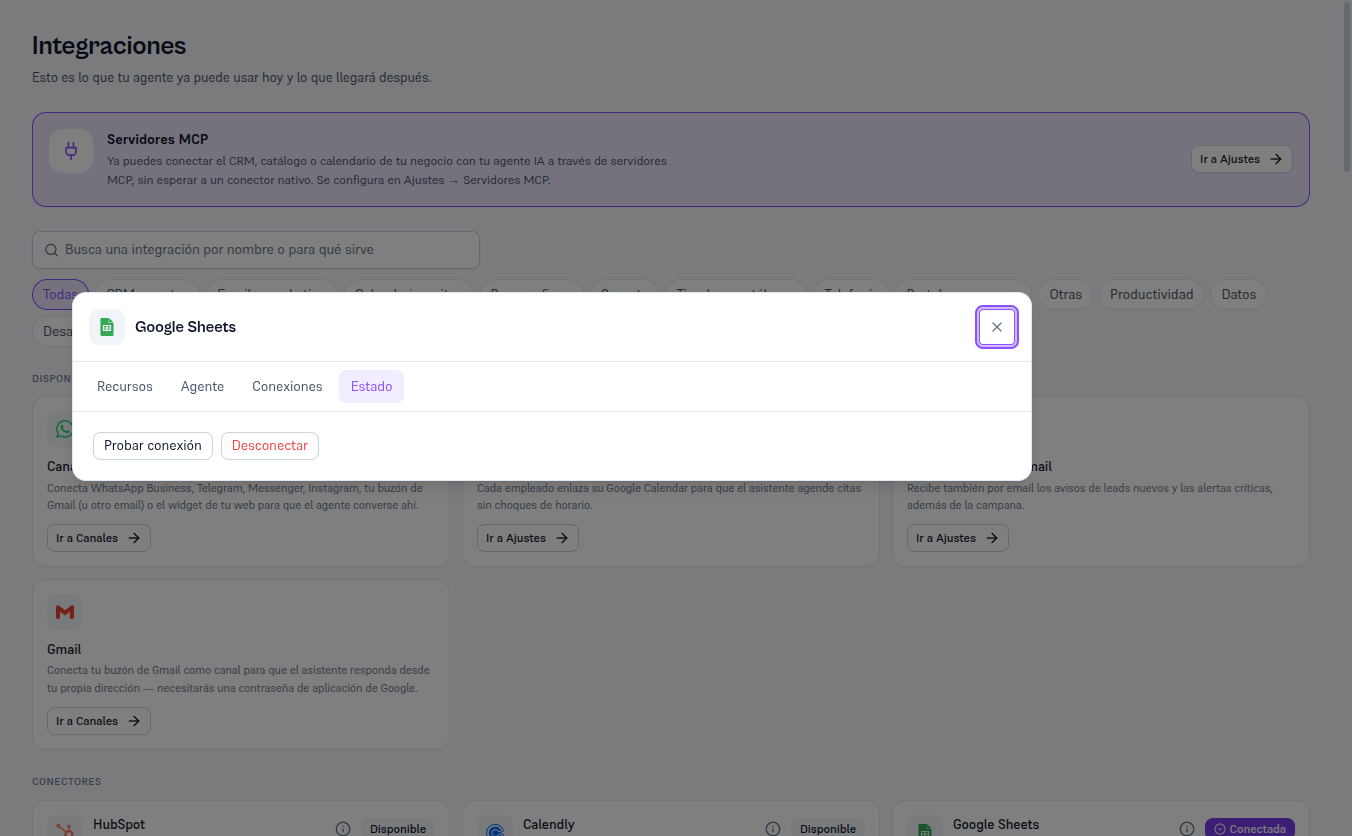
With Dynamics 365 already connected, the detail’s Status tab includes a Test connection button that checks, on the spot, that the saved credential is still valid against Dynamics’s real API (a WhoAmI call).
Requirements: Admin role.
- Open Microsoft Dynamics 365’s Detail and go to the Status tab.
- Click Test connection.
Result: “Connection successful” if the credential is still valid, or “Couldn’t connect: [reason]” if the secret was revoked or changed (section 8). Remember this confirms the credential is valid — not that the security role assigned to the application user has enough permissions: that’s only detected when a real action (creating a contact, changing a stage) fails with an insufficient-privileges error.
The example below uses Google Sheets again — with Dynamics 365 connected, the same “Status” tab shows the “Test connection” and “Disconnect” buttons.