With the tools activated (section 5), your agent can generate a payment link while chatting:
Note — Example: charging with Bizum
A customer confirms they want to book and asks to pay with Bizum. The agent uses “Generate a payment link” for the agreed amount, limited to the methods you’ve checked in the Resources tab (section 5), and shares it in the conversation itself; when the customer pays (or the payment fails), if you activated “Notify in the conversation when a payment resolves”, the agent confirms or reacts in the same thread — with no one having to check it by hand.
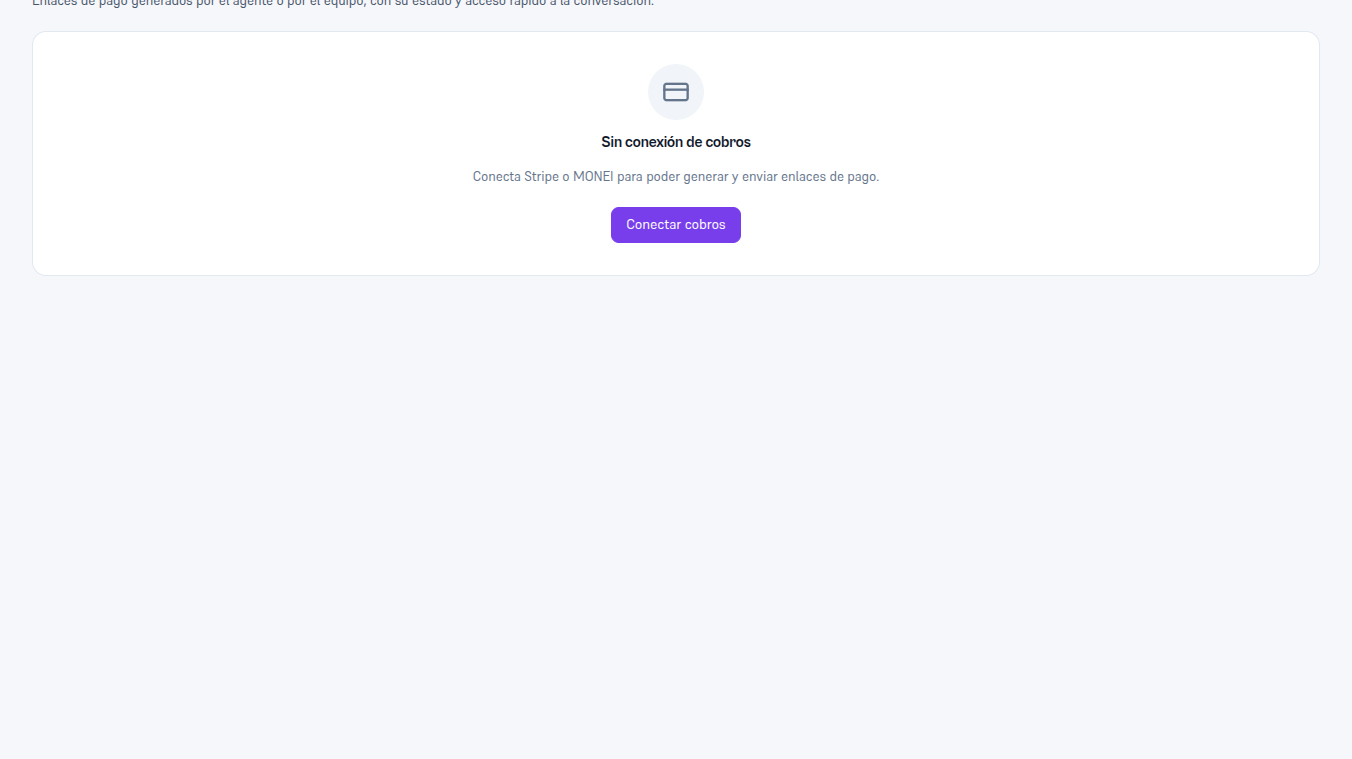
Every payment link — the ones the agent generates and the ones your team generates by hand — is also visible from the sidebar’s Payments screen, with its status and direct access to the source conversation. Before connecting Stripe or MONEI, that screen shows an honest notice: there’s still no payment connection — it’s the SAME screen shared with Stripe (Manual 67 §7), not a screen of MONEI’s own.
With MONEI connected, that same screen adds the Generate link button so your team can also create and send a charge by hand, without going through a conversation. MONEI doesn’t have its own piece in the flow builder today.
Notice — Automatic WhatsApp receipt — MONEI’s own behavior
If the customer pays with Bizum, MONEI can automatically send them a receipt over WhatsApp — a direct contact from MONEI to your customer, outside this platform’s data flow (we don’t activate or see it). It’s a behavior of your payment provider, not of your agent.